


Explore the Fusion of Creativity and Nostalgia!
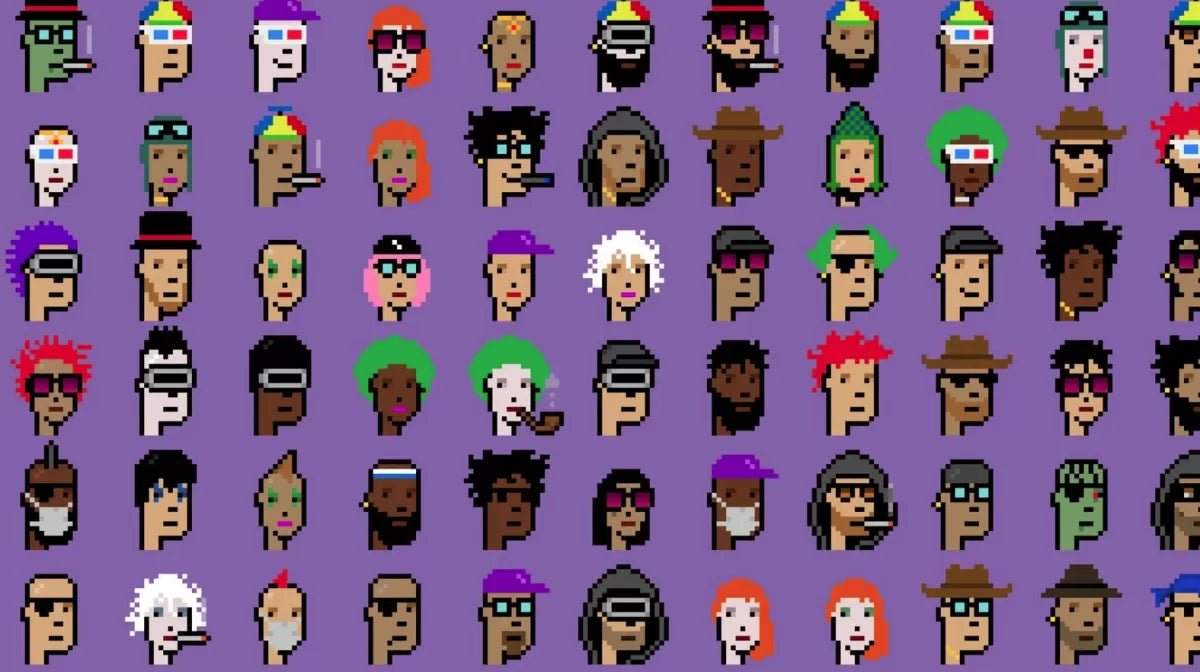
In today's dynamic and digital art world, Pixel Art is emerging as a captivating form of visual expression for new generations, while retaining a retro feel. Inspired by video games of the 80s and 90s, Pixel Art blends nostalgia and deceptive simplicity, offering artists a unique digital canvas to express their imagination.
The Allure of Pixel Art
The charm of Pixel Art lies in its simplicity and unique aesthetic, reminiscent of Pantone. Individual pixels add a touch of nostalgia, evoking memories of classic video games and early computer graphics. However, despite its vintage feel, Pixel Art remains incredibly versatile, allowing artists to create an infinite range of works, from colorful landscapes to hyper-detailed portraits, and even captivating animations.

How to Easily Draw Pixel Art: The Mini Tutorial
Getting started with Pixel Art drawing is simpler than you think. Here's a mini tutorial to help you get started with a grid paper and markers or colored pencils:
1. Select appropriate materials:
To begin, make sure you have a sheet of grid paper and markers of different colors close at hand (you'll find a printable grid sheet at the bottom of this article). Fine-tipped markers are ideal for precise work.
2. Choose your pattern:
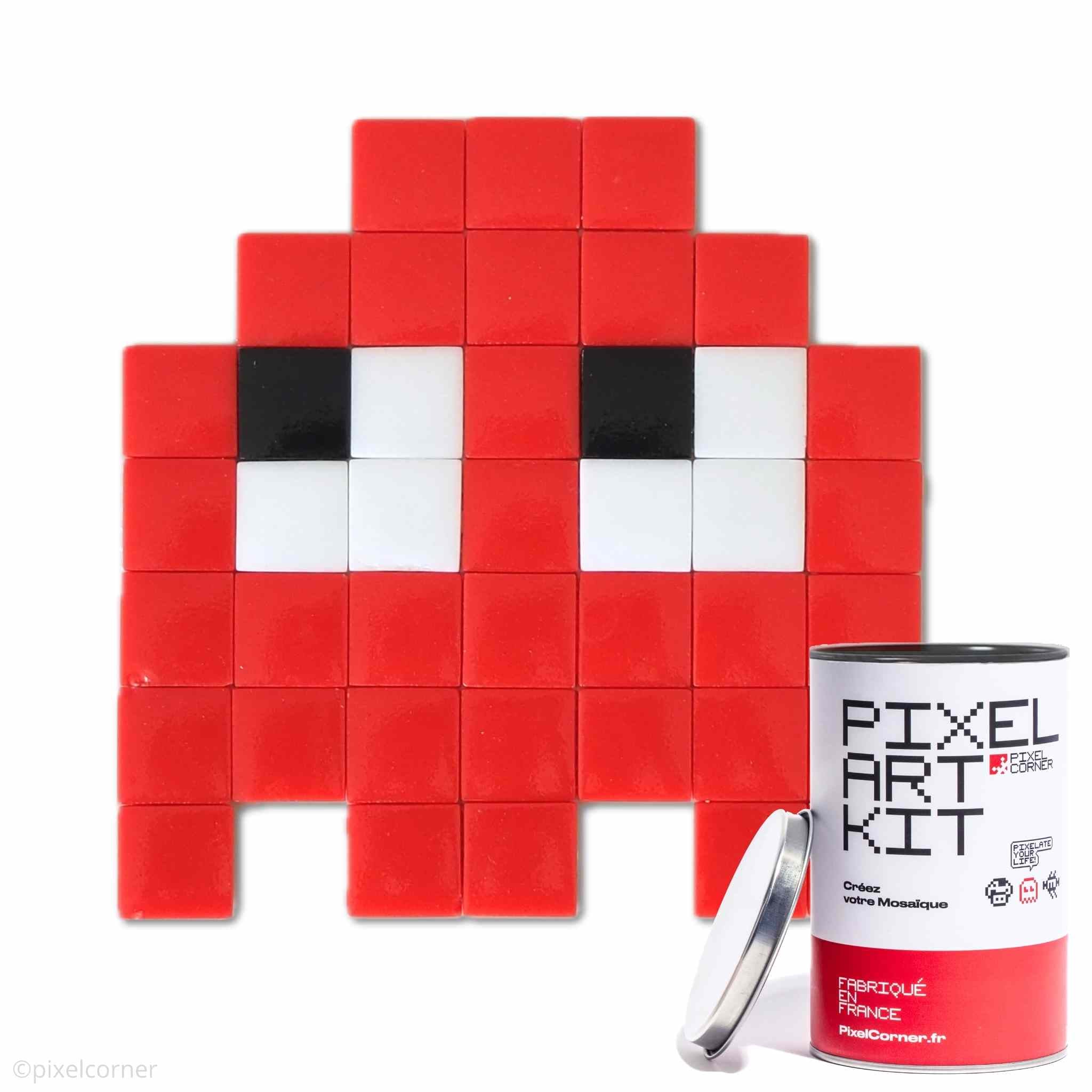
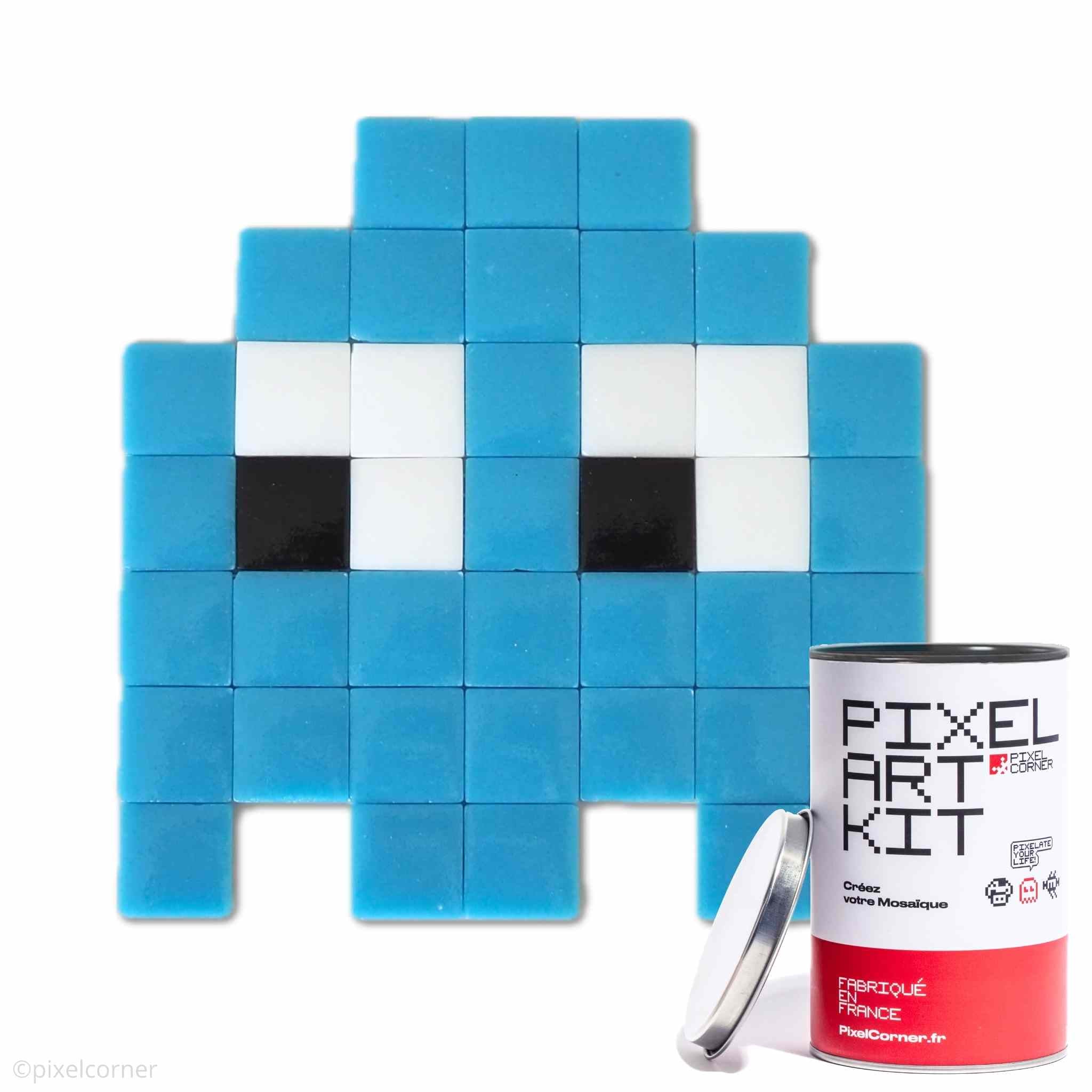
Before you begin, decide on the pattern you want to create in Pixel Art. You can choose something simple like a fruit, a video game character, or a landscape scene. Get inspiration by browsing online or use the images from our Pixel Art Kits as a model.
3. Transfer your pattern to the grid paper:
Use the squares on the grid paper as a reference to reproduce your pattern. Each square will represent a pixel in your Pixel Art drawing. If you're unsure, you can lightly sketch your pattern onto the grid with a pencil before moving on to the markers.
Click here to download our free pixel art grid template

4. Color your drawing pixel by pixel:
Once your pattern is sketched, start coloring each individual square with the markers. Make sure to follow your sketch to maintain the consistency of your drawing.
5. Add details and shadows:
For an even more realistic effect, you can add details and shadows by using darker shades of color or by crossing marker strokes to create textures.
6. Finish and admire your creation:
Once you've colored all the pixels in your Pixel Art drawing, step back and admire your creation! You've just created your first Pixel Art masterpiece.

Pixel Art Tools
To create Pixel Art, artists use various specialized software tools, such as Photoshop, Aseprite, or free online programs like Piskel. These tools offer specific features tailored to Pixel Art creation, such as the ability to zoom in to work on tiny details, limited color palettes for consistent aesthetics, and symmetry functions for increased precision.

Pixel Art in Mosaic Tiles
To go further, create your pixel art in mosaic to make a real work of art in your home! Pixel art mosaic is to be used without moderation in decoration for your interiors and exteriors, because we use real glass mosaic tiles. At Pixel Corner, we are big fans of Pixel Art and Street Art, which is why we created Pixel Art Kits with their pre-designed designs and all materials included, they make it easy for beginners and experienced artists alike to create a pixel art mosaic like a true street artist. Also create your own works with our bulk materials. And follow the tutorial to get a quasi-professional result with ease!

The Pixel Art Community
Pixel Art benefits from a dynamic and passionate community. Online forums, social networks, and dedicated events allow artists to share their creations, exchange advice, and inspire each other. This collaborative community encourages growth and innovation, constantly pushing the boundaries of what is possible with Pixel Art.

In summary, Pixel Art offers a unique fusion of retro and modernity, captivating both art lovers and nostalgic fans of classic video games. With its simplicity and versatility, Pixel Art is accessible to anyone who wants to explore their digital creativity. Whether you are a seasoned artist or a curious beginner, dive into the world of Pixel Art and let your imagination come to life pixel by pixel. Use our downloadable pixel art templates or create your own mosaic artwork to share your passion!
Start drawing now by downloading our free pixel art drawing grid!
Click here to download the DIY pixel art drawing grid in PDF



Leave a comment
This site is protected by hCaptcha and the hCaptcha Privacy Policy and Terms of Service apply.