


Creating a pixel art mosaic couldn't be easier! And it all starts with finding the right pattern. Before getting out the glue and tiles, you need to imagine the artwork that will bring your creation to life: a gaming character, a street art symbol, a nature scene, or simply an emotion to translate into pixels. In this guide, Pixel Corner shares 5 simple tips to awaken your creativity and imagine your next DIY mosaic kit — whether for an original wall decoration, a handmade creative gift, or a relaxing activity to do alone or with family.
1. Revisit Pixel Art & Street Art Classics
The history of pixel art is primarily that of retro video games and icons like Mario, Pac-Man, or Tetris, which, through their minimalist gameplay and design, have marked gaming history. Today, pixel art is also moving beyond screens to conquer our city walls thanks to mosaic street art.
By observing the work of contemporary street artists or the mosaics installed in the streets, you'll find countless ideas for compositions, palettes, and formats. Our Pixel Art Mosaics collection, moreover, draws direct inspiration from these urban and retro-gaming codes.

Photograph the mosaics you come across in the street and get inspiration from the simplest shapes. A square, a heart, an 8-bit icon can become a designer wall art piece in its own right.
2. Draw Inspiration from Nature, Video Games, and Pop Culture
Inspiration for your DIY pixel art mosaic can come from anywhere: a sunset, a flower, a journey, a forest animal... or even a Pokémon, a Minecraft skin, or a cult retro video game character. The important thing is to translate the idea into simple geometric shapes and square pixels.
Natural contrasts (water/fire, light/dark, warm/cold) work particularly well in pixel art, as do sharp black outlines that create a beautiful visual demarcation on your walls. Retro gaming worlds (Super Mario, Zelda, Sonic) and pop culture (Star Wars, Harry Potter, manga) also offer an infinite playground.
Discover our kits inspired by the world of video games and street art: Baby Shroom(s), Little Alien(s), and many more in our complete collection.
Idea to try: Create a mosaic inspired by a universe you love, like Minecraft, Animal Crossing, or Garfield, to combine nostalgia and modern creativity. Our exclusive The Little Prince® kits are the perfect example.
3. Create a Moodboard Before Starting Your Creation
Before embarking on your pixel art mosaic kit, gather your ideas in a visual inspiration board (or "moodboard"): screenshots, color palettes, geometric patterns, textures, photos of nature or street art. Use free tools like Pinterest, Canva, or simply Google Slides or PowerPoint.
This is the ideal time to:
- Define your color palette (2 to 6 shades maximum for a clean rendering)
- Choose the general style of your future mosaic (minimalist, colorful, retro, street art)
- Test different compositions before moving to the wall format
- Get inspired by other creators on Instagram or Pinterest
Our free downloadable Pixel Card(s) allow you to test your pattern ideas on paper before moving to the wall kit. Perfect for practicing or creating a collectible collection!

4. Experiment with Color and Emotions
Every color tells a story and conveys an emotion. In pixel art mosaic, the chromatic palette is your main narrative tool:
- Blue soothes and evokes serenity, water, sky
- Red energizes and attracts the eye (passion, energy, street art)
- Yellow brightens and warms the atmosphere
- Green recalls nature and vegetal calm
- Black & white create a very trendy graphic and minimalist look
Before starting your DIY kit, ask yourself: what emotion do I want to convey? Calm, energy, retro-gaming nostalgia, pop humor? This emotional thread will give your wall decoration coherence and a unique identity.
In Pixel Corner kits, each shade of recycled glass tile is designed to balance your composition and facilitate the final rendering. Made in Saint-Ouen with natural pigments, our tiles offer a unique shine. But feel free to experiment and mix colors with our bulk materials.

5. Let Your Creative Intuition Guide You
Inspiration cannot be commanded: it often arises during creation. The best way to find your style in DIY pixel art is to start without seeking perfection. A mini 8x8 tile mosaic can already be a recognizable, graphic, or even conceptual work. Above all, it can help you reveal your own artistic style.
And if an idea comes to you along the way, follow it — it's often in these moments of improvisation that magic happens. Pixel art is an art of constraint (square grid, limited pixels) that paradoxically frees creativity. Dare to experiment, dare to create art!
Don't pressure yourself for a perfect result. Our kits are designed to be a relaxing and rewarding activity, accessible from age 5 with an adult. The creative process itself is already a success — pixel by pixel, you are creating your own wall art.
The Ideal Materials to Get Started with Pixel Art Mosaic
To start an easy and relaxing creative activity without stress, opt for a Pixel Art Kit for beginners, ready to assemble. It's the perfect original gift for gaming fans, street art enthusiasts, or simply to decorate your interior with a unique and designer wall art piece.
What does a Pixel Corner Pixel Art Kit contain?
Each box contains everything you need to create a mosaic from recycled glass:
- Recycled glass tiles made in the Basque Country with natural pigments
- Two-component glue (indoor/outdoor use)
- Pre-printed adhesive grid for easy assembly
- Color template + step-by-step startup guides
- Wall mounting strips included to hang your artwork
Our Best-Selling Kits for Beginners
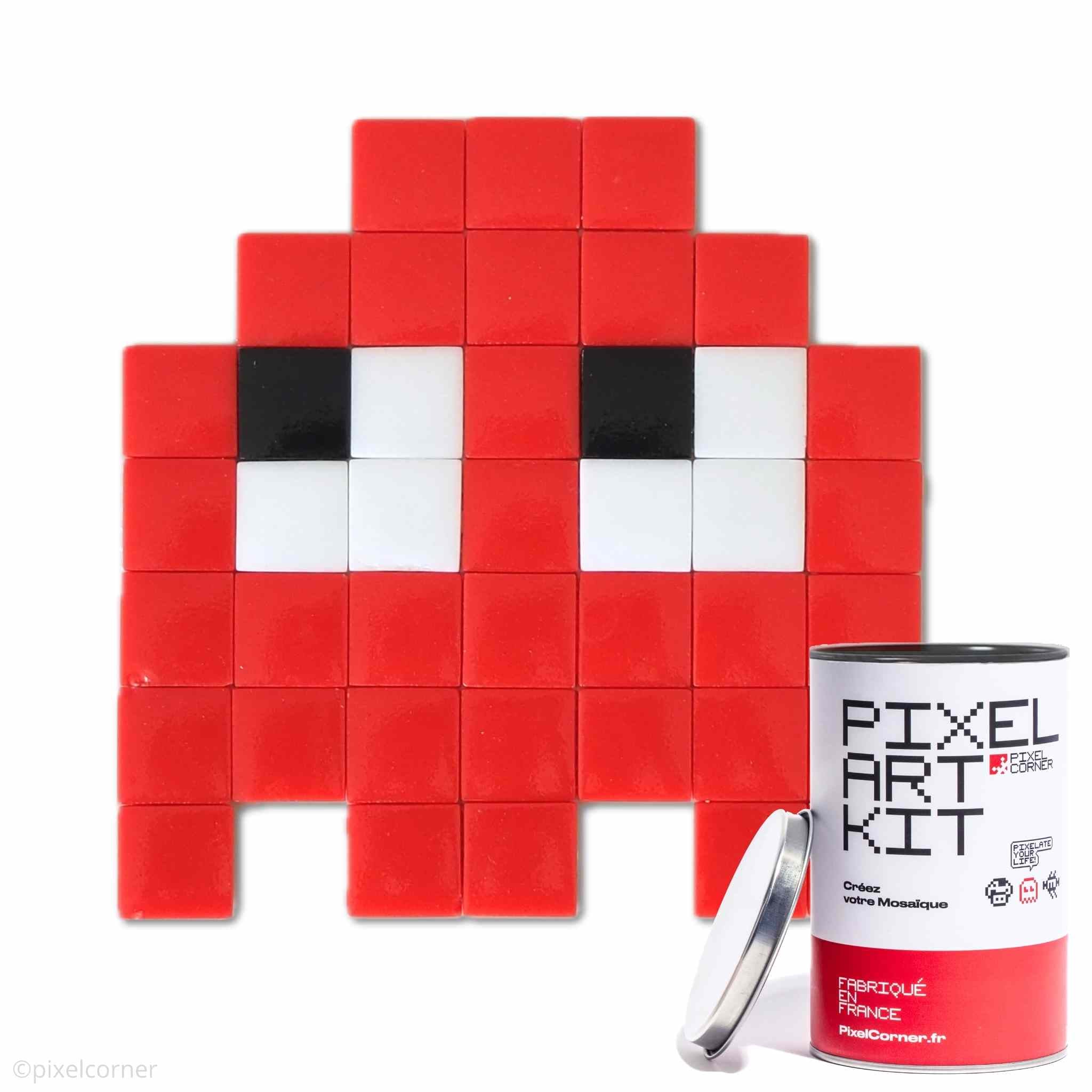
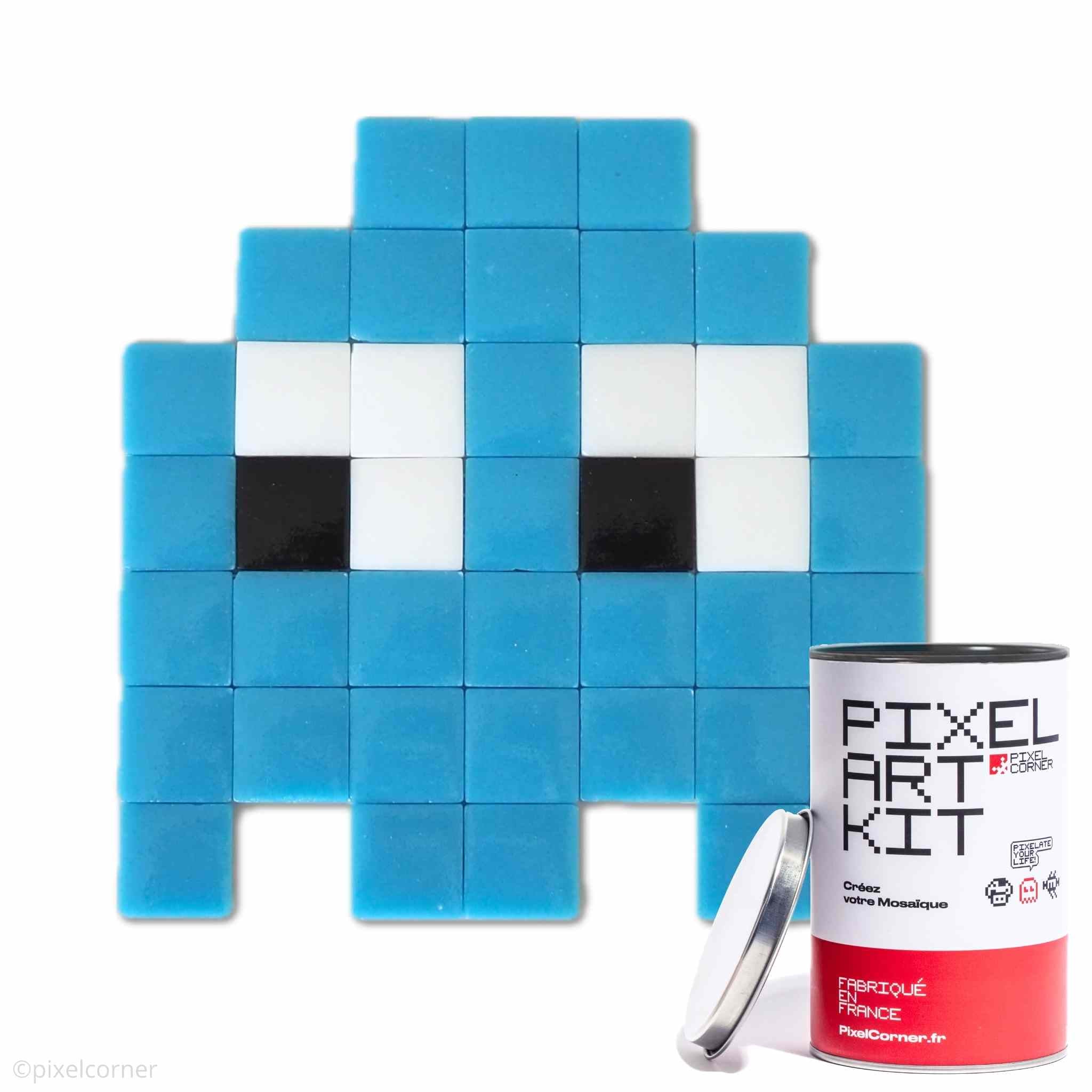
👻 The Gloomie(s)
Ultra-cute pixel art ghosts. Ideal as a first kit or original gift for teens/adults.
Discover The Gloomie(s) →🍄 Baby Shroom(s)
Iconic mushrooms from retro gaming. Perfect for Nintendo fans and 8-bit nostalgia.
Discover Baby Shroom(s) →👾 Little Alien(s)
Retro space monsters with 15 different models to create. The most versatile kit for beginners.
Discover Little Alien(s) →🧱 Want to freely create your own design?
Compose your personalized wall art with our bulk materials: recycled glass tiles (2 sizes), professional glue, adhesive grids, and wall mounts. Perfect for a 100% unique creation!
Discover bulk materials →Frequently Asked Questions about DIY Pixel Art Mosaic
What's the best pixel art kit for beginners?
To easily start with pixel art mosaic, choose a complete kit like the Pixel Art Kit The Gloomie(s) or Baby Shroom(s). Everything is provided: recycled glass tiles, indoor/outdoor glue, an adhesive grid, and an easy-to-follow template.
Where can I find inspiration for a DIY pixel art mosaic?
Look at street art classics (in the streets), pop culture (Pokémon, Minecraft), retro video games, or create a moodboard on Pinterest. Our free Pixel Card(s) can also help you test ideas.
Can you make a pixel art mosaic without a kit?
Yes! You can compose your personalized artwork with bulk materials: recycled glass tiles (2 sizes), professional two-component glue, and blank mounting grids.
Is pixel art an easy activity for beginners?
Absolutely! Our pixel art mosaic kits are designed to be accessible from age 5 (with an adult). It's a relaxing creative activity that assembles like a puzzle, pixel by pixel.
Are Pixel Corner kits eco-responsible?
Yes! All our kits are made in France (hand-assembled in Saint-Ouen) with recycled glass, natural pigments, recyclable packaging, and carbon-neutral shipping since 2023.
Summary: How to Find Inspiration for Your Pixel Art Mosaic
Creating a DIY pixel art mosaic is, above all, about finding an idea that resonates with you. Whether you're inspired by urban street art, retro video games, nature, or your own emotions, the key is to:
- Observe pixel art and street art classics
- Draw inspiration from pop culture, gaming, and nature
- Create a moodboard to visualize your ideas
- Experiment with colors and emotions
- Trust your creative intuition along the way
This is how the most beautiful creations are born. So go ahead, pixel by pixel, and create your own wall art with Pixel Corner!



Leave a comment
This site is protected by hCaptcha and the hCaptcha Privacy Policy and Terms of Service apply.